
Complete list comparison
Followers and following must both finish before the non-follower result is created.
See who does not follow you back on Instagram by comparing your completed followers and following lists in one searchable Chrome extension.
The result is useful only when the source lists are complete and the categories are easy to understand.
Followers and following must both finish before the non-follower result is created.
Find an account by username or display name without scrolling the Instagram list again.
Review non-followers, fans, mutuals, followers, following, blocked, and actioned accounts.
Export a completed result when you want a local spreadsheet record for your own review.
Checking does not force an unfollow. Keep, unfollow, block, export, or simply close the result.
The checker works through the account already signed in within desktop Chrome.
Video guide
Watch the complete installation and first-scan walkthrough before using the Instagram non-followers checker. It shows how to connect Instagram, complete both lists, review results, and keep the Instagram tab open while the extension works.
Step by step
You do not need to open profiles one by one or wait for a downloadable account export.
Add Unfollow Assistant from the Chrome Web Store on a desktop computer.
Sign in normally, visit your profile, and confirm the account you want to analyze.
Keep the Instagram tab open while the extension loads the followers and following lists.
When both lists complete, review people you follow who are not present in your followers list.
Use the information only. Or apply Keep, make a careful selection, export, unfollow, or block.
The live sample shows the result categories, search, account rows, Keep controls, and completed-scan layout.
Unfollow Assistant is a desktop Chrome extension, so the interactive preview is only available on a larger screen. Here is what it looks like in the meantime.
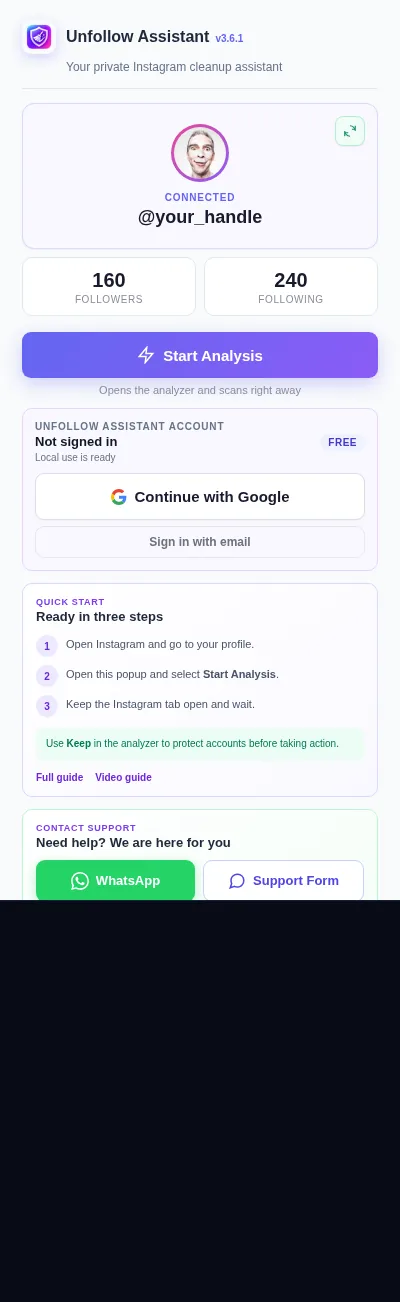
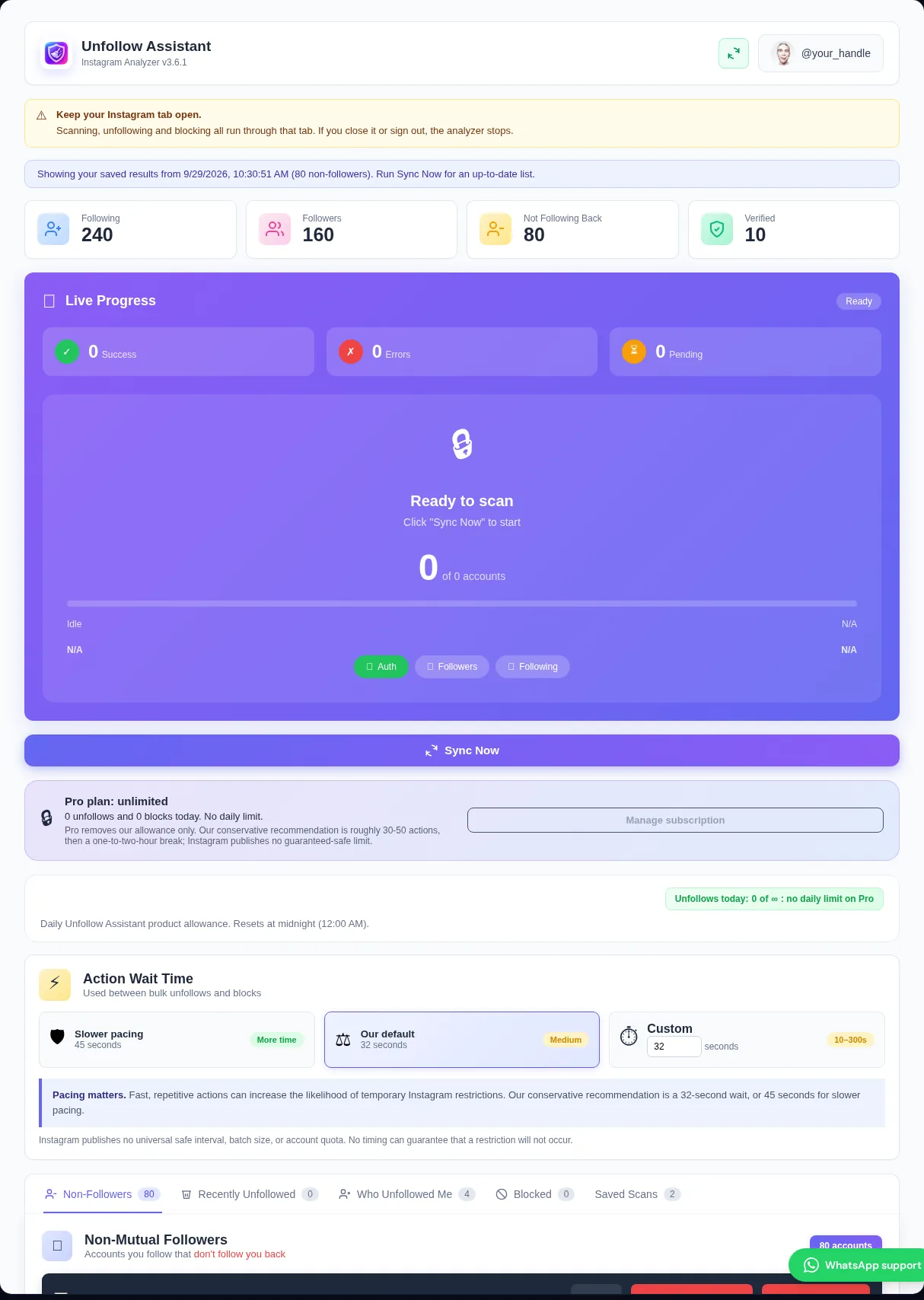
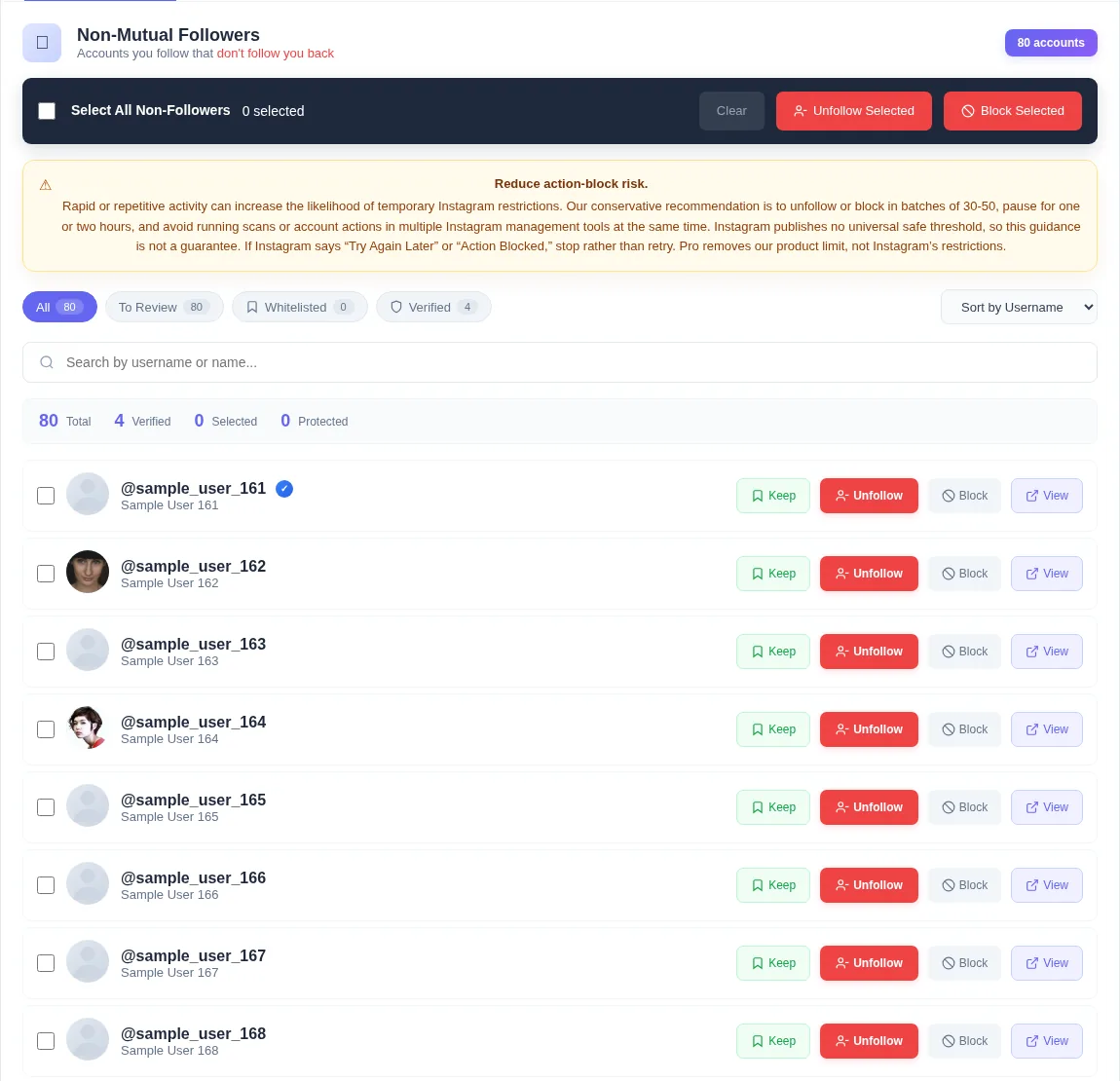
A non-follower is an account you follow that is not present in your followers list at the time of a completed scan. This is different from a fan, who follows you while you do not follow them, and a mutual, where both accounts follow each other.
The Instagram non-followers checker calculates these groups from the two lists. It does not infer the answer from profile totals alone.
Manual checking means searching every account you follow, opening the profile, and deciding whether it follows you. Larger lists make this slow and easy to lose track of.
A complete comparison puts the accounts in one searchable view. You can review the answer without taking any action, which is useful when you only want information.
Some non-follower tools require an Instagram data download and ask you to upload the archive. That approach can involve waiting for Instagram to prepare a file and repeating the export later.
Unfollow Assistant reads the available lists through your current Instagram browser session. It does not ask you to upload an archive or paste a password into the website.
A current non-follower may never have followed you. An unfollower is someone present in an earlier followers scan who is missing from a later completed scan.
Use the Instagram non-followers checker for the current relationship. Use Who Unfollowed Me only after at least two completed scans establish a before-and-after comparison.
Instagram's profile total and the accounts returned in a list can differ slightly. Deactivated, deleted, restricted, or temporarily inaccessible accounts may affect what Instagram displays and returns.
The checker reports the accounts available in the completed lists. It does not invent missing profiles to force its totals to match the headline number.
Instagram safety
Scanning and reviewing do not require you to unfollow or block anyone. If you decide to act, protect exceptions with Keep and review the selected names first.
For unfollow or block queues, our conservative recommendation is batches of roughly 30 to 50 with an hour or two between them. Instagram publishes no guaranteed-safe threshold. Stop after any Instagram action warning and wait until normal activity works again.
Read the action-block guideClean up abandoned accounts you still follow.
Compare completed scans over time instead of checking only the current relationship.
Review how to protect accounts and act on selected non-followers.
See the complete set of filters, queue controls, history, and backup options.
Install free and complete both lists before deciding whether you want to keep, export, or act.