
Your password stays yours
You sign in to Instagram normally. The extension never asks for your password or login code.
Many unfollow apps ask you to type your Instagram password into their website. Unfollow Assistant works inside the Instagram session you already have open in Chrome, so your login never leaves your browser.
Keeping your login private is the first step. Careful pacing is the second.
You sign in to Instagram normally. The extension never asks for your password or login code.
Actions come from your usual computer and Chrome session, not a remote server.
Scan results, Keep, and history are stored locally. An account is optional.
Nothing runs until you select accounts and start the queue.
The queue pauses when Instagram returns a recognized restriction.
Control the run from the queue bar at any moment.
Video guide
Watch the complete installation and first-scan walkthrough before using the safe Instagram unfollow tool with no password. It shows how to connect Instagram, complete both lists, review results, and keep the Instagram tab open while the extension works.
Step by step
Everything happens in your own Chrome window.
Use Instagram's own login page, just as you normally would.
Add the extension from the Chrome Web Store. No account is needed to start.
Open your profile, click the extension icon, and keep the tab open while both lists finish.
Open Non-Followers and mark accounts you want to keep.
Select a reviewed group and start the queue.
The preview uses sample accounts, so you can explore without signing in to anything.
Unfollow Assistant is a desktop Chrome extension, so the interactive preview is only available on a larger screen. Here is what it looks like in the meantime.
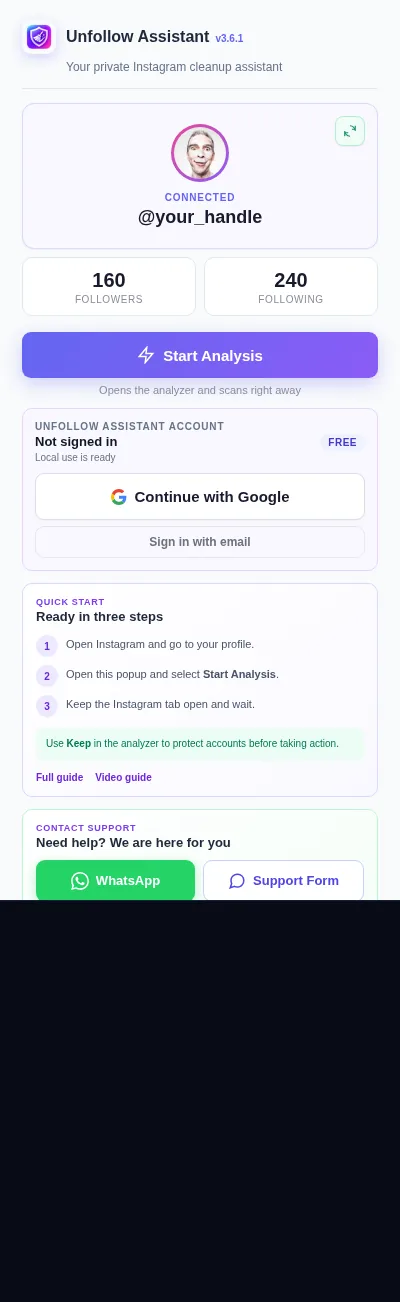
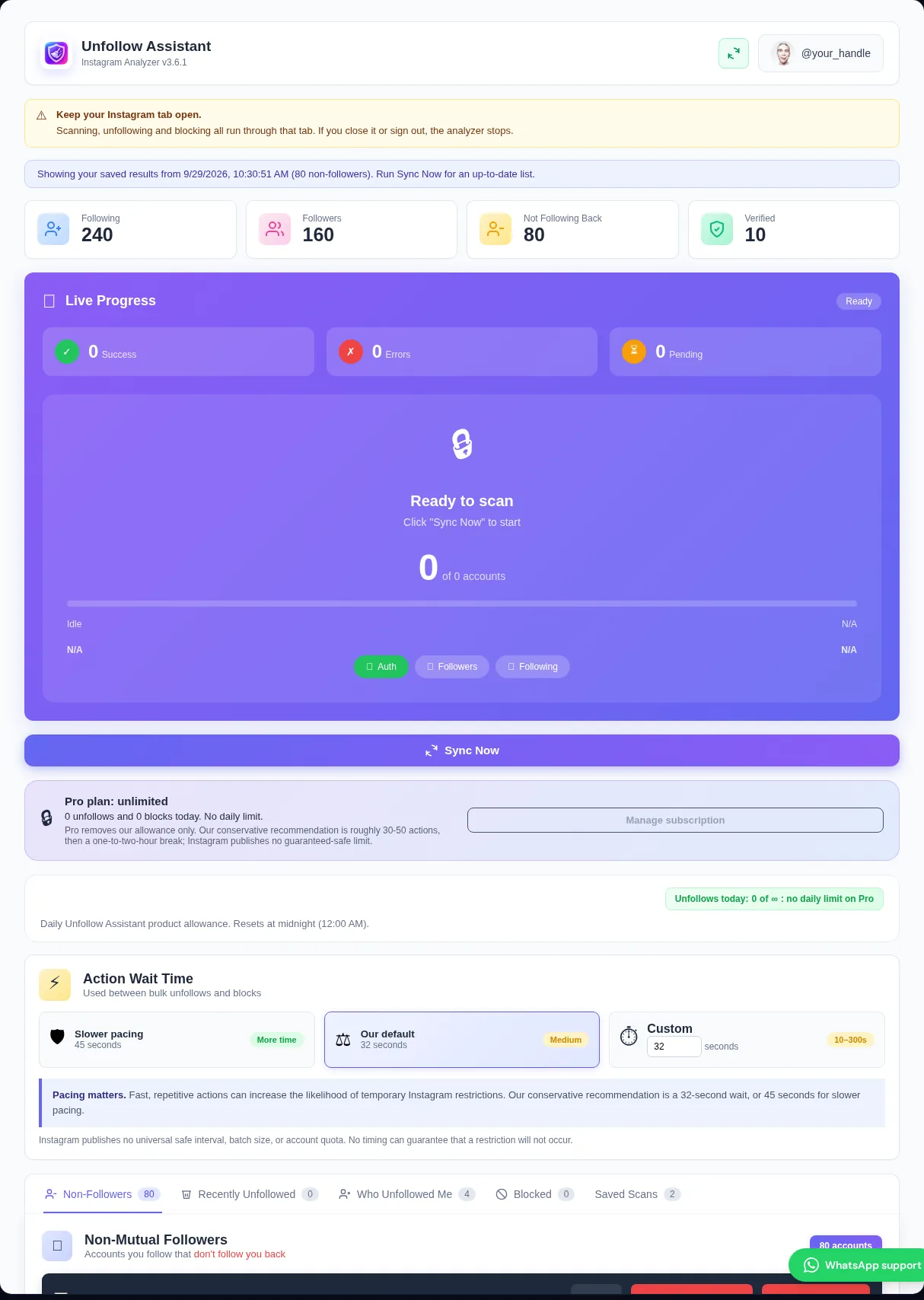
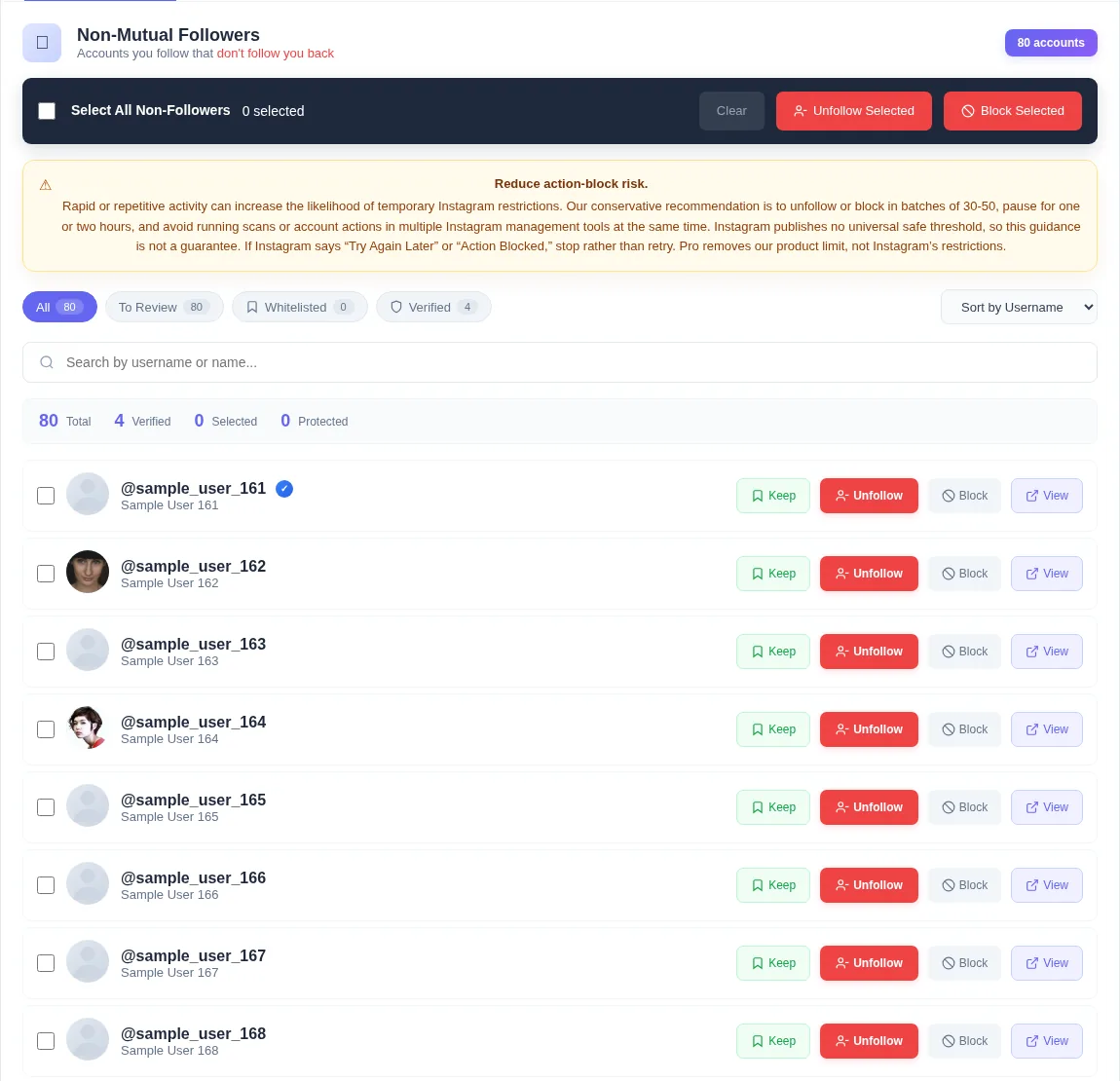
When a website asks for your Instagram password, it can sign in as you from its own servers. You are trusting that company with full access to your account, and logins from an unfamiliar location can trigger security checks from Instagram.
Instagram's own guidance warns against giving your login details to third-party apps. A browser extension that works in your existing session avoids that step entirely.
There are three common ways to find non-followers. They differ in privacy, effort, and what they can do.
Core scanning, Keep, and unfollowing work without an Unfollow Assistant account. Signing in is optional and only backs up your Keep list and action history, or manages Pro. It is never your Instagram login.
Instagram safety
Instagram can still restrict accounts that act too quickly, whatever tool is used. No unfollow tool can promise an account will never be limited.
Our conservative recommendation is batches of roughly 30 to 50 with an hour or two between them. If Instagram shows a warning, stop and wait before trying a smaller batch.
Read the action-block guideInstall free and keep your Instagram login in your own browser.