
Complete scans before results
Followers and following must both finish before non-followers are calculated, so an interrupted scan cannot mislabel real followers.
If you are comparing Instagram follower tools, Unfollow Assistant is a free Chrome extension focused on one job: finding accounts that do not follow you back and removing the ones you choose, carefully.
Every tool makes different choices. These are the ones Unfollow Assistant makes, so you can decide which fits your cleanup.
Followers and following must both finish before non-followers are calculated, so an interrupted scan cannot mislabel real followers.
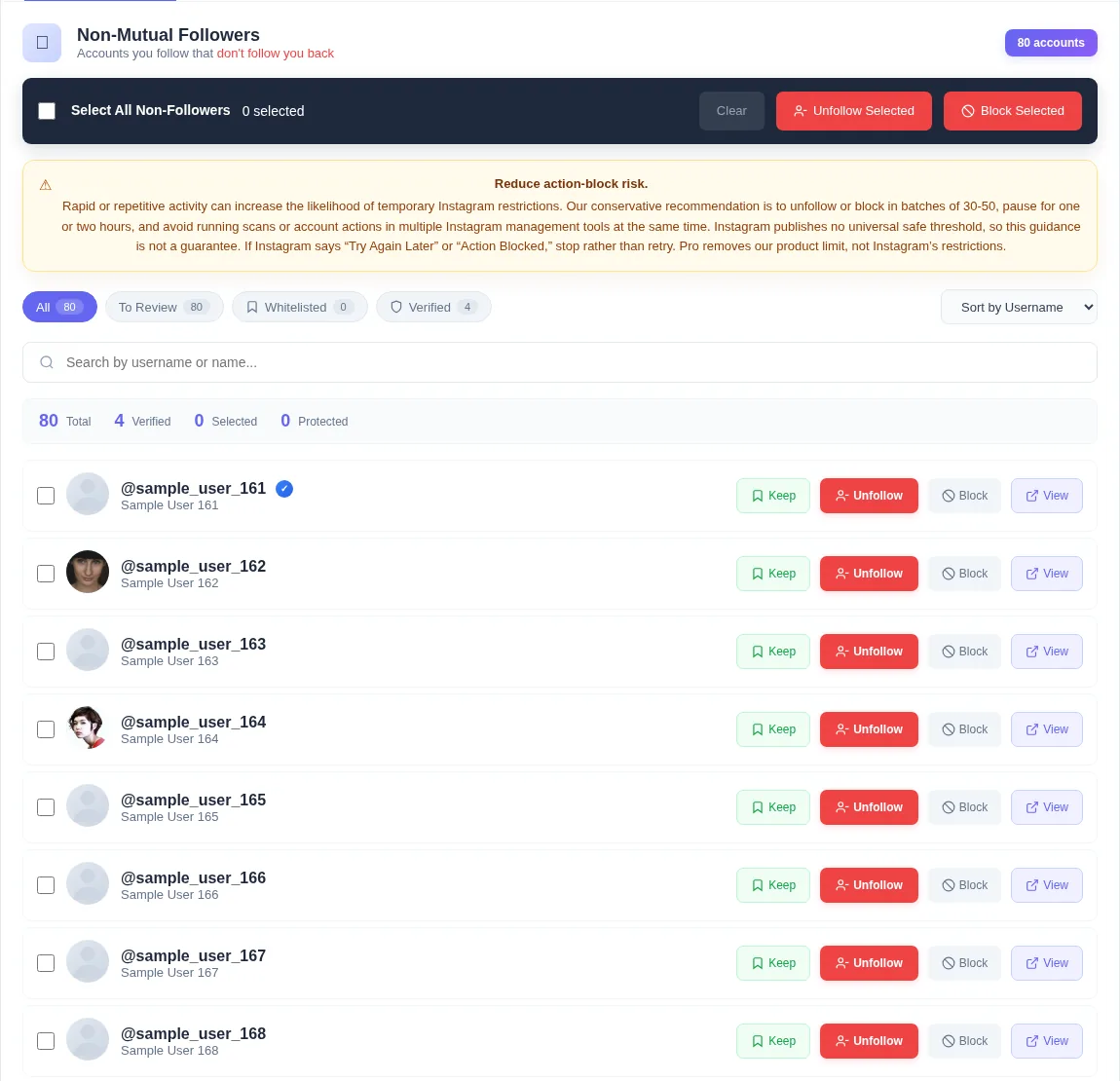
Mark friends, family, and favorite creators once. Keep is checked again before every queued action.
Remove non-followers or block selected accounts from the same reviewed list.
See the current and next account, the countdown, and pause, resume, or stop whenever you want.
Free includes all tools with 50 combined actions a day. Pro removes our daily limit for £4.99 a month.
It uses the Instagram session already open in your Chrome browser, and core features work without an account.
Video guide
Watch the complete installation and first-scan walkthrough before using the Unfollow AI alternative. It shows how to connect Instagram, complete both lists, review results, and keep the Instagram tab open while the extension works.
Step by step
You can try it alongside your current approach. Just avoid running two Instagram tools at the same time.
Add Unfollow Assistant to desktop Chrome. It is free to install.
Close or pause any other follower tool so only one thing is acting on your Instagram account.
Open your Instagram profile, click the extension icon, and let both lists finish loading with the tab open.
Review the non-followers list and mark everyone you want to keep following.
Select a reviewed group and start the queue. Our conservative recommendation is 30 to 50 actions, then a break.
Compare for yourself. The preview uses sample accounts to show the analyzer, filters, Keep, and the queue without touching Instagram.
Unfollow Assistant is a desktop Chrome extension, so the interactive preview is only available on a larger screen. Here is what it looks like in the meantime.
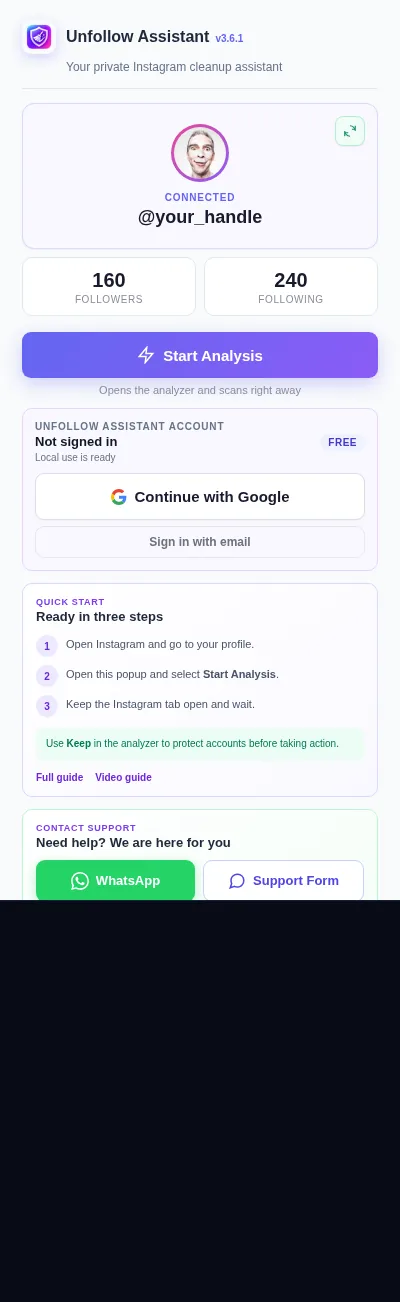
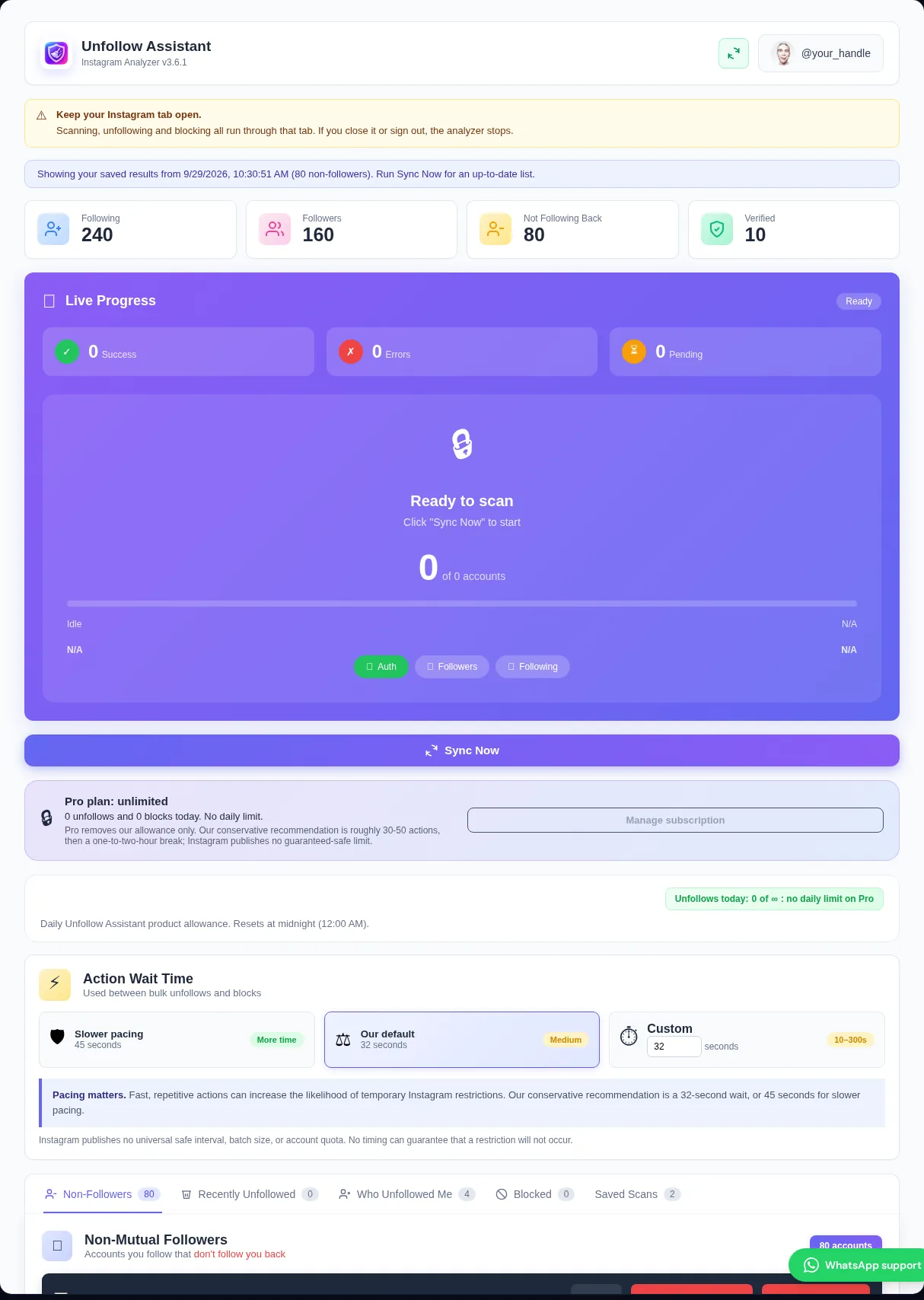
Before choosing any tool, check how it signs in, where it runs, whether it waits for complete lists, and how it controls the pace of actions. These matter more than the size of the feature list.
Read each tool's own store listing and privacy policy, and choose the one whose approach you are comfortable with.
Unfollow Assistant is built around accurate lists and deliberate actions. Only completed scans replace your previous result, Keep protects your exceptions, and every action runs through a visible queue.
It also tracks who unfollowed you between completed scans, saves scan history on your computer, and exports results to CSV with profile links.
Unfollow AI is a product of its own developer. Unfollow Assistant is not affiliated with, endorsed by, or connected to Unfollow AI or its makers. Product names belong to their owners.
We describe only our own extension in detail. For Unfollow AI's current features, pricing, and policies, please check its Chrome Web Store listing directly, since those can change.
Here is how Unfollow Assistant answers them.
| Comparison | Unfollow Assistant | What to check in other tools |
|---|---|---|
| Sign in | Uses your existing Chrome session, no password requested | Whether a password or login token is requested |
| List accuracy | Both lists must complete before results appear | Whether partial scans can produce results |
| Protecting accounts | Keep list, rechecked before every action | Whether exceptions are supported |
| Pacing | Visible queue with waits, pause, resume, and stop | How actions are paced and stopped |
| Price | Free with 50 actions a day, Pro £4.99 a month or £39.99 a year | The current price on the tool's listing |
Instagram safety
Instagram can restrict accounts that act too quickly, whatever tool is used. No app can guarantee that an account will never be limited.
Our conservative recommendation is batches of roughly 30 to 50 with an hour or two between them, and only one Instagram tool active at a time. If Instagram shows a warning, stop and wait before trying a smaller batch.
Read the action-block guideInstall Unfollow Assistant, run a complete scan, and decide for yourself.