
Complete scans only
Partial follower lists are never compared, reducing false unfollower results from interrupted loading.
Save a completed followers scan, scan again later, and review the accounts that were present before but are missing from the newer list.
A useful answer needs a before list, an after list, and honest handling of changes that are not necessarily an unfollow.
Partial follower lists are never compared, reducing false unfollower results from interrupted loading.
See the older and newer scans used so you understand exactly which period was compared.
Where Instagram provides an account ID, username changes are less likely to look like an unfollow.
Someone who follows again drops out after the next complete comparison confirms their return.
Open an available Instagram profile from the result to check the account yourself.
Open saved scans to review totals, searchable changes, and available CSV downloads.
Video guide
Watch the complete installation and first-scan walkthrough before using the Who unfollowed me on Instagram. It shows how to connect Instagram, complete both lists, review results, and keep the Instagram tab open while the extension works.
Step by step
The first scan creates the baseline. A later scan creates the comparison.
Install the extension, open your Instagram profile, and finish both followers and following lists.
The completed local scan becomes the earlier snapshot. An interrupted future scan does not replace it.
Repeat the analysis after enough time has passed for the comparison to be meaningful.
Review accounts found in the earlier followers list but missing from the newer complete list.
Use the comparison dates and available profile link before drawing a conclusion about an account.
Explore sample saved scans, relationship filters, account rows, and history controls without using a real Instagram account.
Unfollow Assistant is a desktop Chrome extension, so the interactive preview is only available on a larger screen. Here is what it looks like in the meantime.
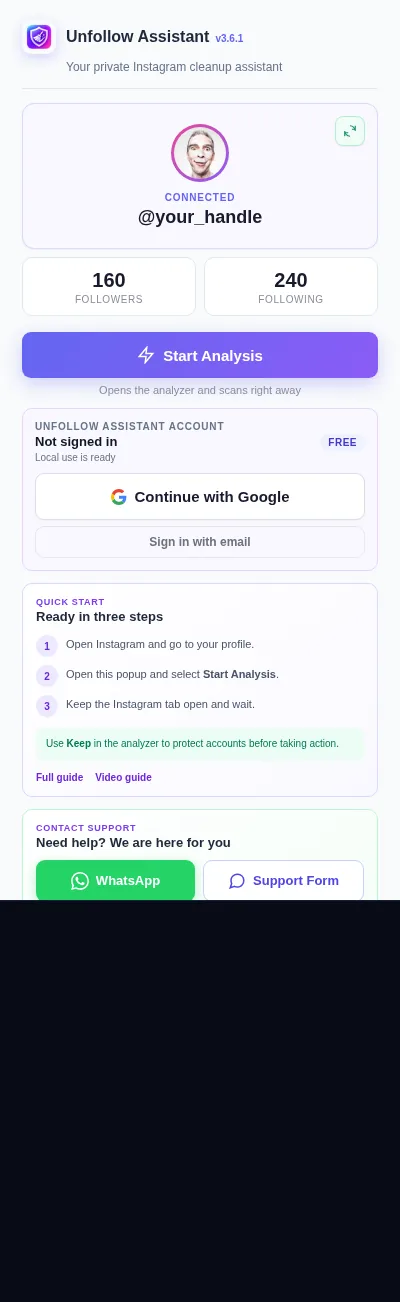
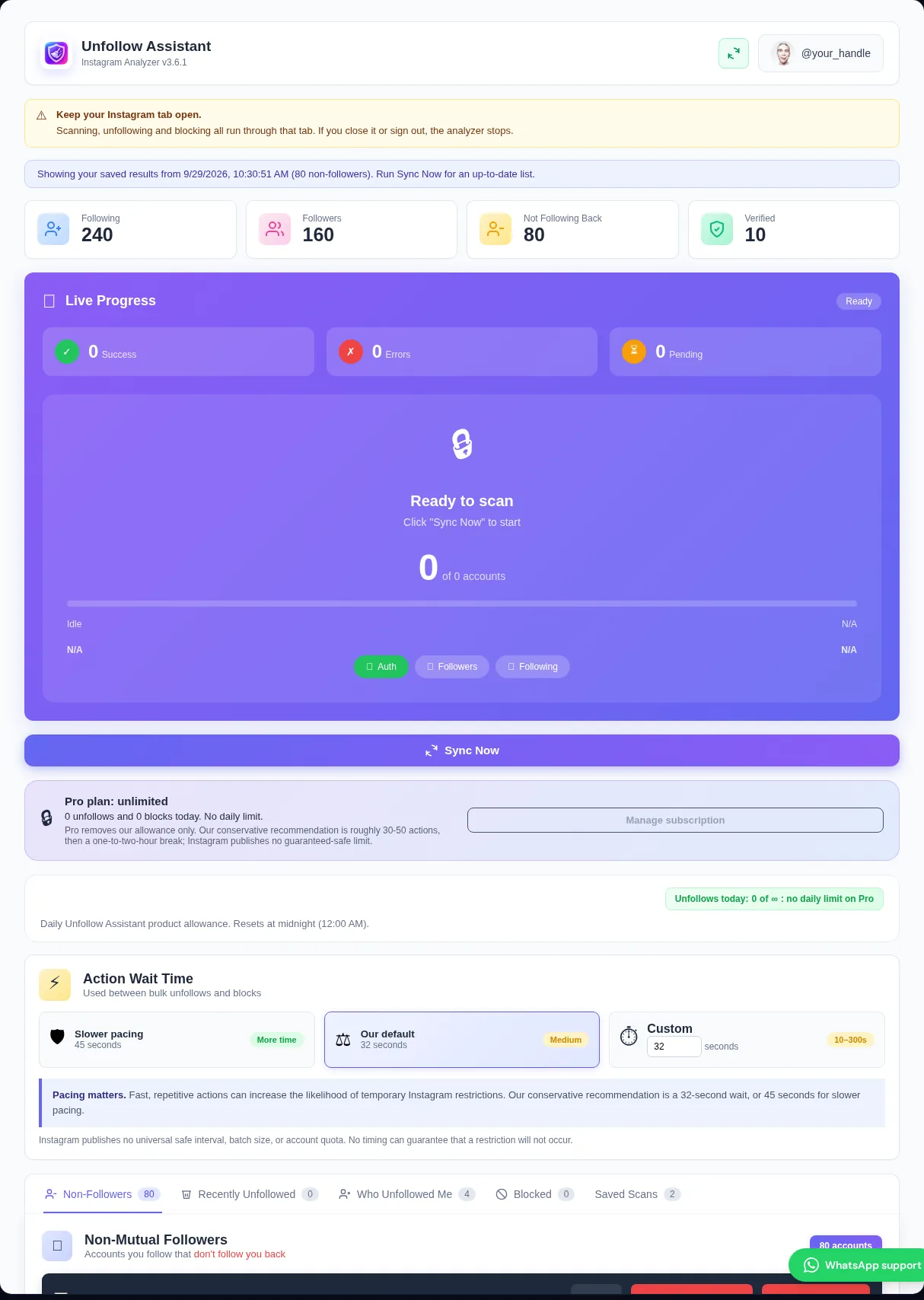
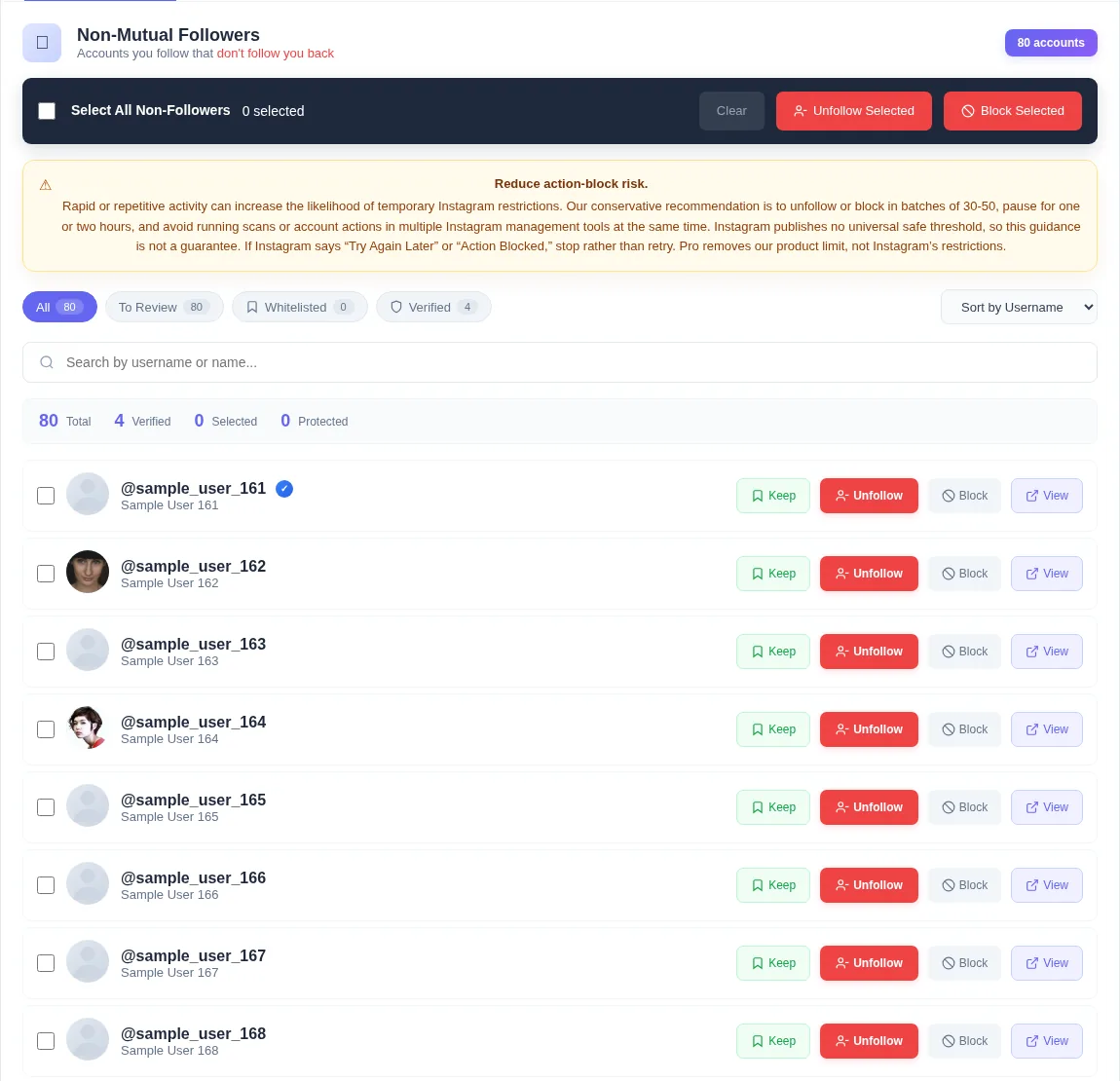
Instagram shows who follows you now, but it does not give you a historical report naming every account that stopped following. A one-time current list cannot prove who was there last week.
The only honest way to answer who unfollowed me on Instagram is to retain a reliable earlier snapshot and compare it with a reliable later snapshot.
Tracking begins after your first complete scan. If someone unfollowed before that baseline existed, Unfollow Assistant has no earlier list containing the account and cannot identify the past event.
Claims that a new tracker can reveal every historical unfollower immediately should be treated carefully. The extension states this limitation rather than presenting current non-followers as past unfollowers.
The tracker compares followers from two completed scans. Accounts present in the earlier list and absent from the newer list are candidates for the unfollower result.
Where account IDs are available, matching uses them to reduce confusion after username changes. If an account follows again, a future complete scan removes it from the current lost-follower result.
A missing profile can indicate an unfollow, but it can also reflect deactivation, deletion, a username or account change, blocking, or temporary inaccessibility. Instagram does not always expose the reason.
The result therefore identifies a change between snapshots, shows the comparison window, and lets you open the profile when it is available. It does not claim certainty that Instagram has not supplied.
Choose a schedule that matches how closely you want to review changes. A weekly scan gives a broader window, while more frequent manual scans provide narrower comparisons.
The extension does not claim to monitor Instagram continuously in the background. You start each scan, keep the Instagram tab open, and wait for it to complete.
These lists answer different questions and should not be treated as interchangeable.
| Comparison | Who unfollowed me | Who does not follow back |
|---|---|---|
| Question answered | Who disappeared between two followers snapshots? | Who do I follow that does not follow me now? |
| Scans needed | At least two complete scans | One complete followers and following scan |
| Past events | Only after the first saved baseline | Shows the current relationship only |
| Possible ambiguity | Deactivation, deletion, blocking, or unavailable account | Based on current completed lists |
Instagram safety
An account missing from a later list may have unfollowed, but the tool cannot tell you why. Avoid assuming intent when Instagram may have hidden or removed the profile for another reason.
Viewing the result does not take action. If you later decide to unfollow or block accounts, review each selection, use Keep for exceptions, and follow the same batch and action-block guidance.
Read the action-block guideInstall free and complete a scan today so a future scan has something reliable to compare.