
What Non-Followers Really Mean for Your Engagement
An honest look at non-followers, follower ratios, and engagement, and why cleaning your list is about control rather than a growth hack.

You will find plenty of posts online claiming that non-followers "kill your reach". The truth is more ordinary. Instagram does not publish a rule that punishes you for following people who do not follow back. What non-followers do affect is how your feed feels, how your profile looks to new visitors, and how much time you spend on content you did not choose.
What a non-follower actually is
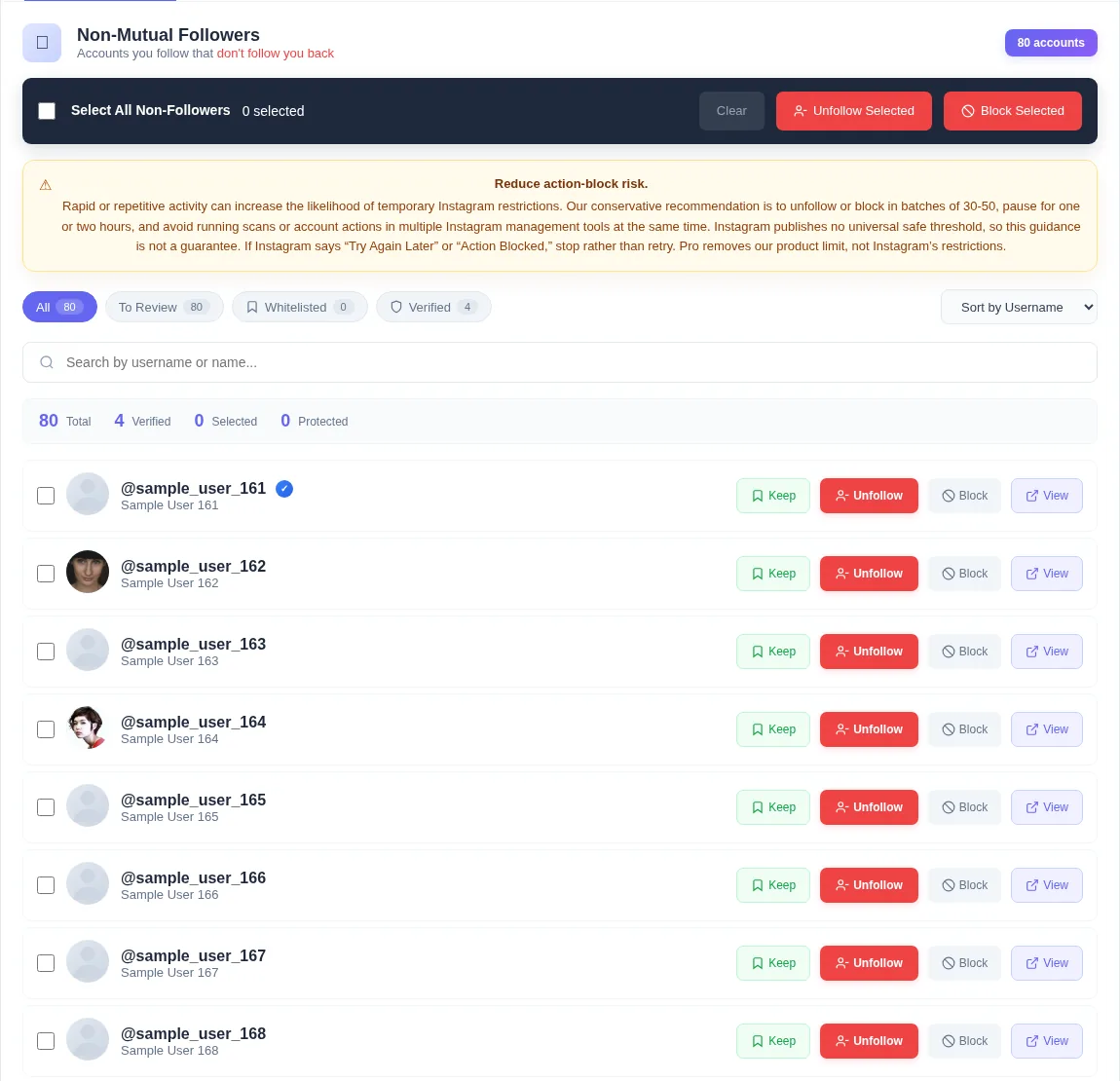
A non-follower is simply an account you follow that does not follow you. That includes celebrities, brands, and news pages, which almost never follow back, as well as old contacts and accounts you followed during a follow-for-follow phase.
Only the second group is usually worth reviewing. The first group is often the reason you use Instagram at all.
The ratio myth
Your follower-to-following ratio is not a secret score. It can influence how a stranger reads your profile. Someone who follows 4,000 accounts and has 400 followers may look like they followed people hoping for follow-backs. But there is no universal ideal number, and Instagram has never said it ranks accounts by ratio.
Treat the ratio as presentation, not as a lever for the algorithm.
Where non-followers do matter
The real costs are practical:
- Your feed fills with posts from accounts you no longer care about, which pushes friends and clients further down.
- Your Stories bar becomes long and less personal.
- Your Explore suggestions can drift toward interests you had years ago, based on what you follow.
- If you run a business account, a very large following list can make the profile look less focused.
A balanced way to decide
Instead of removing every non-follower, ask two questions about each account: "Do I enjoy or need this content?" and "Would I follow this account again today?" If both answers are no, it is a good candidate to remove. If either is yes, press Keep.
Unfollow Assistant is built around this review step. Nothing is removed until you choose it, and protected accounts are skipped automatically.
Sort your review by accounts you recognize first. Deciding on familiar names builds momentum, and the unfamiliar ones are usually easy calls afterward.
Frequently asked questions
Review your list the calm way
Unfollow Assistant is free, works in your own Instagram tab, and never asks for your password.
Keep reading

Instagram Growth Tips for 2026 That Do Not Rely on Tricks
Sustainable habits for growing an Instagram account: clear positioning, consistent formats, real conversations, and a tidy profile.
Read article: Instagram Growth Tips for 2026 That Do Not Rely on Tricks
How to Improve Your Instagram Engagement, Honestly
Practical ways to earn more comments, saves, and shares by focusing on your own audience instead of generic benchmarks.
Read article: How to Improve Your Instagram Engagement, Honestly
How to Clean Up Your Instagram Following
A practical, step-by-step routine for reviewing who you follow, protecting the accounts that matter, and removing the rest at a deliberate pace.
Read article: How to Clean Up Your Instagram Following