
How to Spot Fake and Inactive Accounts on Instagram
Clear signs of bots, spam, and abandoned accounts, and what to do about them on your followers and following lists.

Every account collects some spam and inactive followers over time. They are not always harmful, but they make your numbers less meaningful, and some spam accounts exist to send scam messages. Knowing the signs helps you decide what to keep, remove, or block.
Common signs of a fake or spam account
No single sign proves an account is fake, but several together usually do:
- No profile photo, or a stock-looking photo.
- Zero or very few posts, often all uploaded on the same day.
- Following thousands of accounts while having very few followers.
- A username made of a name followed by a long string of numbers.
- Generic comments like "Nice!" or emoji-only replies on many unrelated posts.
- DMs offering promotion, investment, or "collabs" out of nowhere.
Inactive is not the same as fake
Many accounts are simply abandoned. A friend who stopped using Instagram, a business that closed, an old second account. These are harmless, but if they are on your following list they add nothing to your feed.
What to do with them
For accounts you follow: unfollow the ones that add nothing. For spam accounts that follow you or message you: blocking stops them from seeing your profile, finding you, or messaging you from that account.
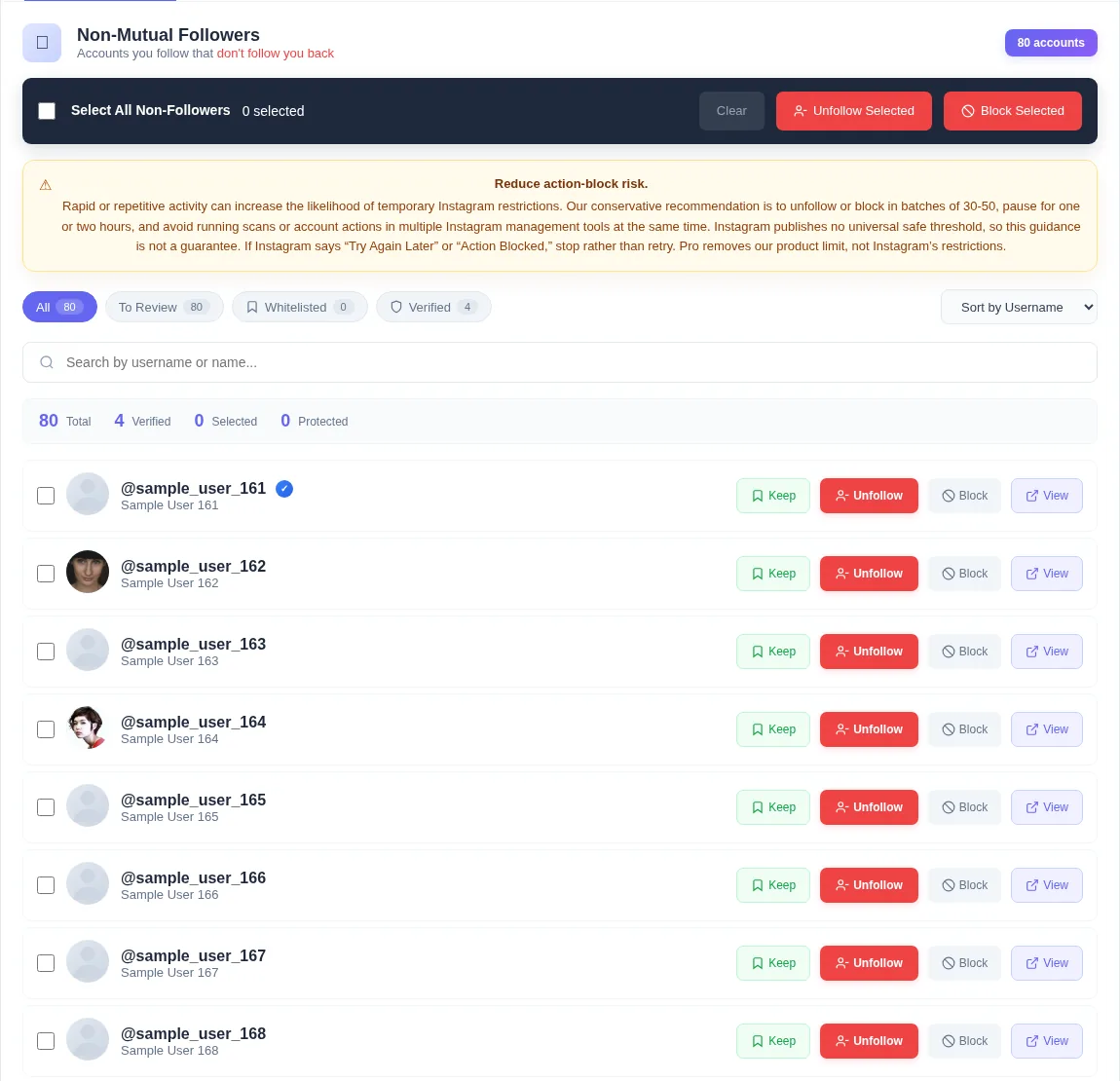
Unfollow Assistant lets you block from the same list you review for unfollows. Blocking asks you to confirm, and blocked accounts are shown clearly and removed from selection so you do not act on them twice.
If a suspicious account is impersonating someone you know, report it to Instagram as well as blocking it.
Evaluating someone else's account
If you are checking a creator before a partnership, look at the comments rather than the follower count. Real audiences ask questions, tag friends, and reply to each other. Sudden jumps in followers with no matching jump in engagement are also worth asking about.
Frequently asked questions
Review your list the calm way
Unfollow Assistant is free, works in your own Instagram tab, and never asks for your password.
Keep reading

Is It Safe to Use Unfollow Tools on Instagram?
What makes an unfollow tool risky, what to look for in a safer one, and the habits that protect your account whichever tool you use.
Read article: Is It Safe to Use Unfollow Tools on Instagram?
How to Clean Up Your Instagram Following
A practical, step-by-step routine for reviewing who you follow, protecting the accounts that matter, and removing the rest at a deliberate pace.
Read article: How to Clean Up Your Instagram Following
What Non-Followers Really Mean for Your Engagement
An honest look at non-followers, follower ratios, and engagement, and why cleaning your list is about control rather than a growth hack.
Read article: What Non-Followers Really Mean for Your Engagement