
Understanding Instagram's Action Limits in 2026
Why there is no official unfollow limit, what action blocks look like, and our conservative pacing recommendations.

You will find confident numbers online such as "200 unfollows a day" or "60 an hour". None of them are official. Instagram does not publish its limits, and they vary by account age, history, and recent activity. What we can describe is how limits show up and how to pace yourself around them.
Why there is no single number
Instagram looks at patterns, not just counts. A long-standing account that acts at a human pace can usually do more than a brand-new account doing the same thing in a burst. Recent restrictions also lower the threshold for a while.
That is why any fixed number should be treated as a guess.
What an action block looks like
When Instagram decides activity is too fast or repetitive, it shows a message such as "Try again later", "We limit how often you can do certain things", or "Action blocked". Unfollows or blocks may also silently fail.
These come from Instagram. No tool can remove them, and retrying repeatedly can make them last longer.

Our conservative pacing recommendation
Instagram does not publish universal safe limits, so the following is our conservative guidance rather than an official threshold or guarantee:
- Consider roughly 30 to 50 unfollows or blocks in one batch.
- Consider a break of one to two hours.
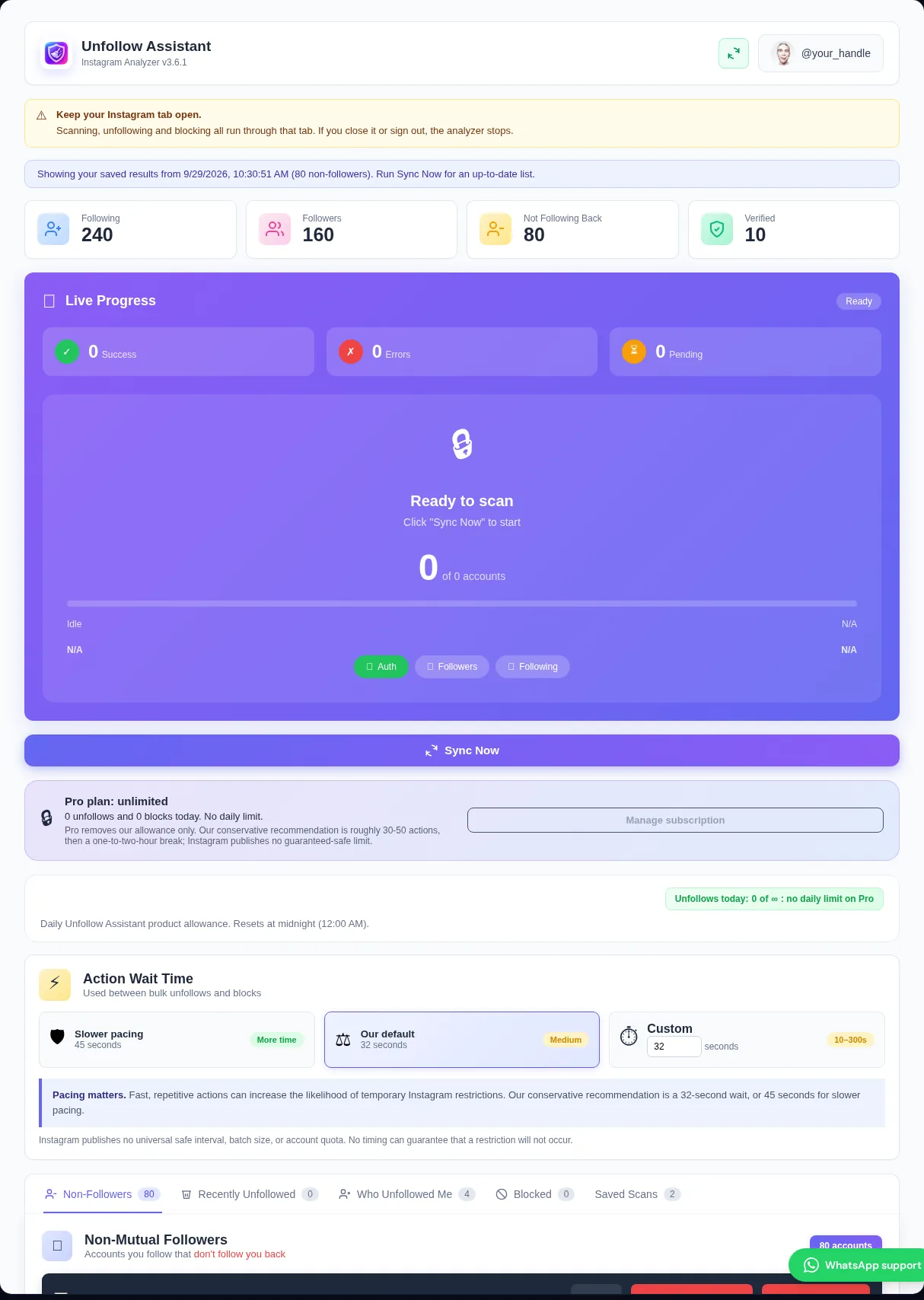
- Use the extension’s 32-second default or slower 45-second option between actions.
- Spread a large cleanup over several days.
- If you see a warning, stop rather than retrying. Our conservative recovery guidance is 24 to 48 hours before testing a very small batch, but recovery time varies.
Pro removes our own daily allowance so you are not held back by the extension, but Instagram's limits still apply. Pacing matters on every plan.
How the extension helps
Unfollow Assistant waits between actions, shows a live countdown to the next one, and stops the queue when it detects common restriction responses. You can pause, resume, or stop at any time and pick up where you left off.
Frequently asked questions
Review your list the calm way
Unfollow Assistant is free, works in your own Instagram tab, and never asks for your password.
Keep reading

How to Clean Up Your Instagram Following
A practical, step-by-step routine for reviewing who you follow, protecting the accounts that matter, and removing the rest at a deliberate pace.
Read article: How to Clean Up Your Instagram Following
Instagram Account Hygiene: A Monthly Checklist
A short, repeatable routine for keeping your profile clear, your following list intentional, and your account secure.
Read article: Instagram Account Hygiene: A Monthly Checklist
What Non-Followers Really Mean for Your Engagement
An honest look at non-followers, follower ratios, and engagement, and why cleaning your list is about control rather than a growth hack.
Read article: What Non-Followers Really Mean for Your Engagement